Open the registration page
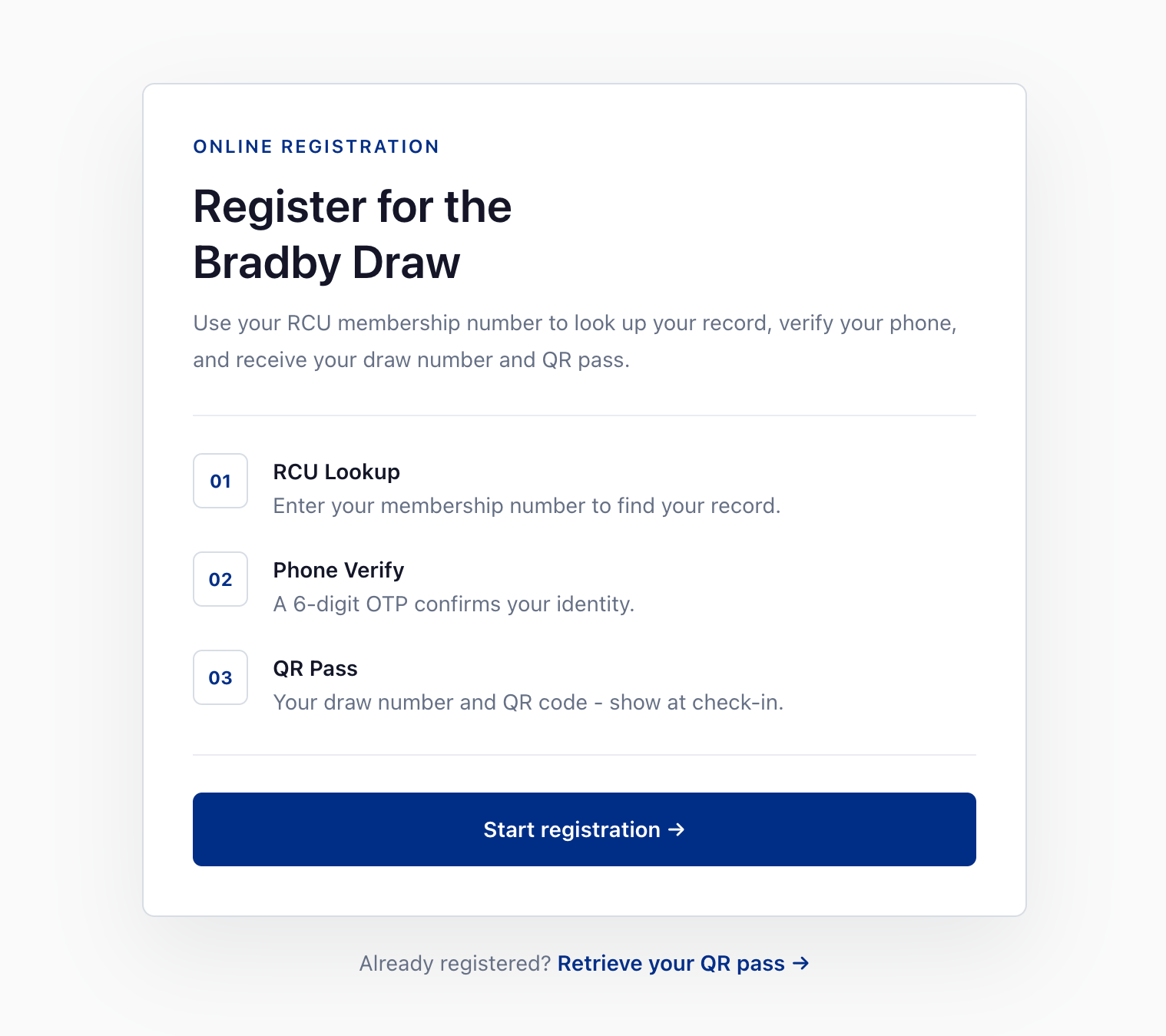
Visit the Bradby Draw registration link. You'll see an overview of the three stages and event details. Tap "Start registration" when you're ready.
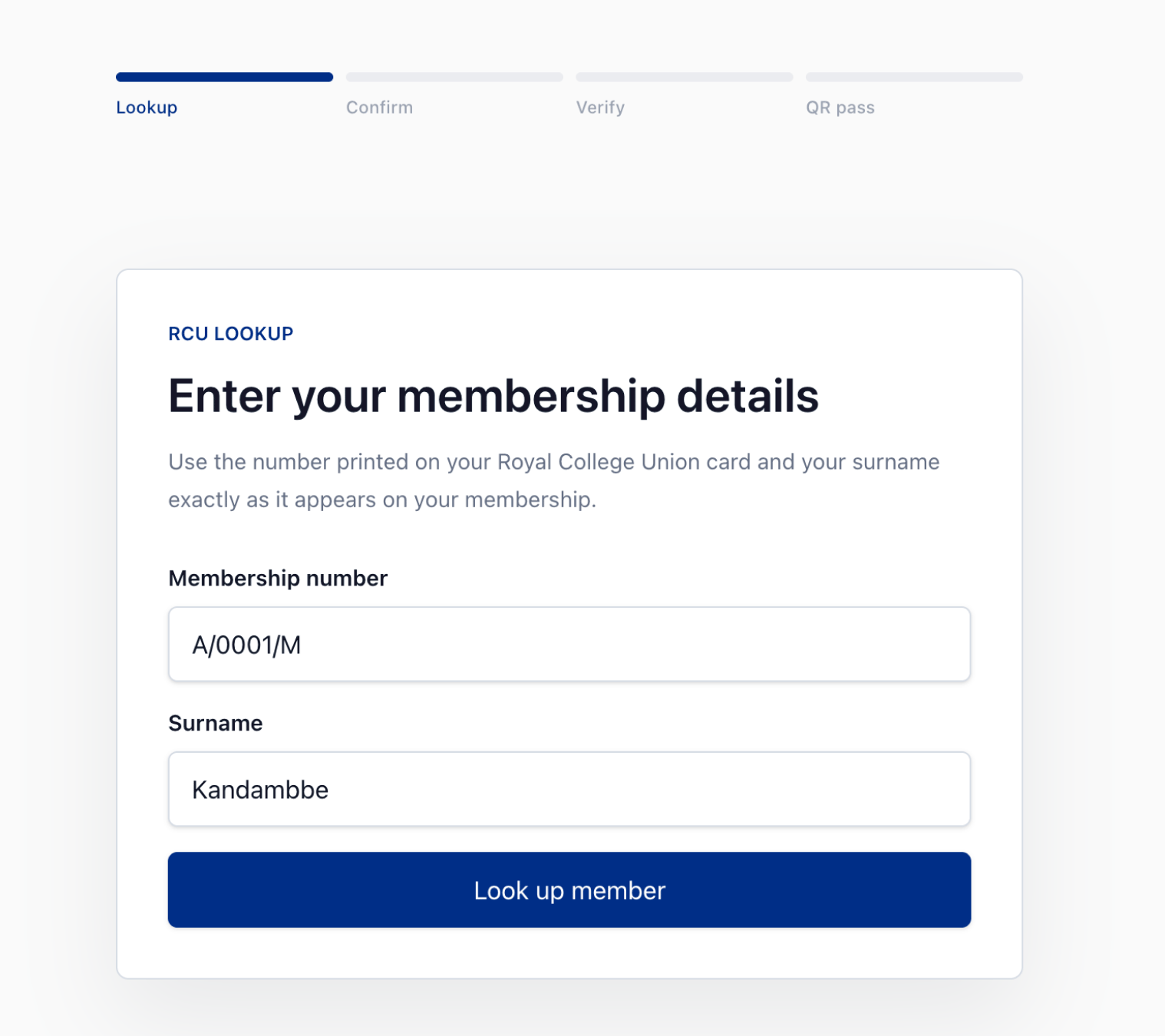
Enter your membership details
Enter the number printed on your Royal College Union card - e.g. A/0001/M - then your surname. We search the RCU database instantly. No account or password needed.
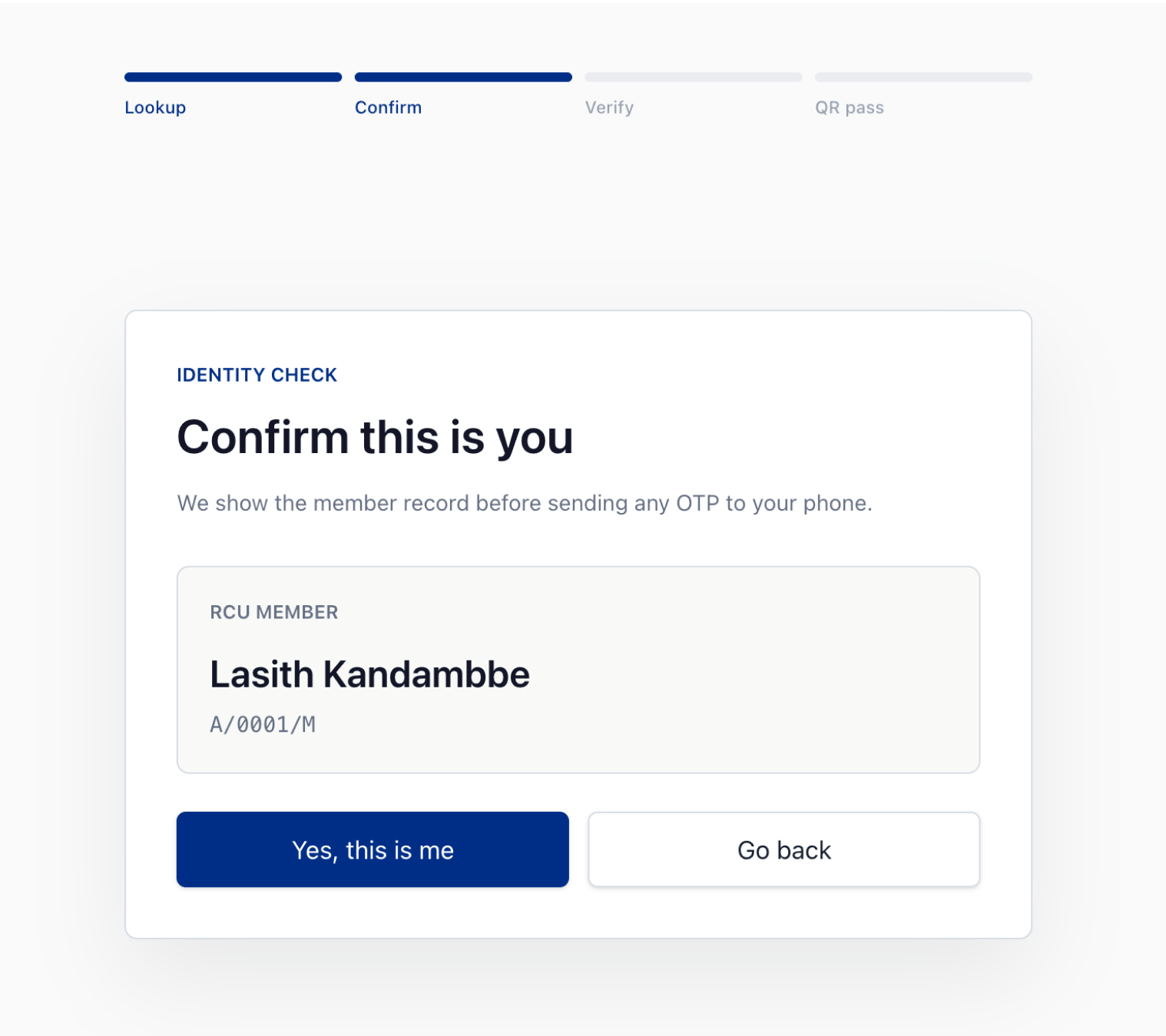
Confirm it's you
We show you the name on record for that membership number. Check it matches yours before continuing. If it doesn't look right, go back and double-check your number.
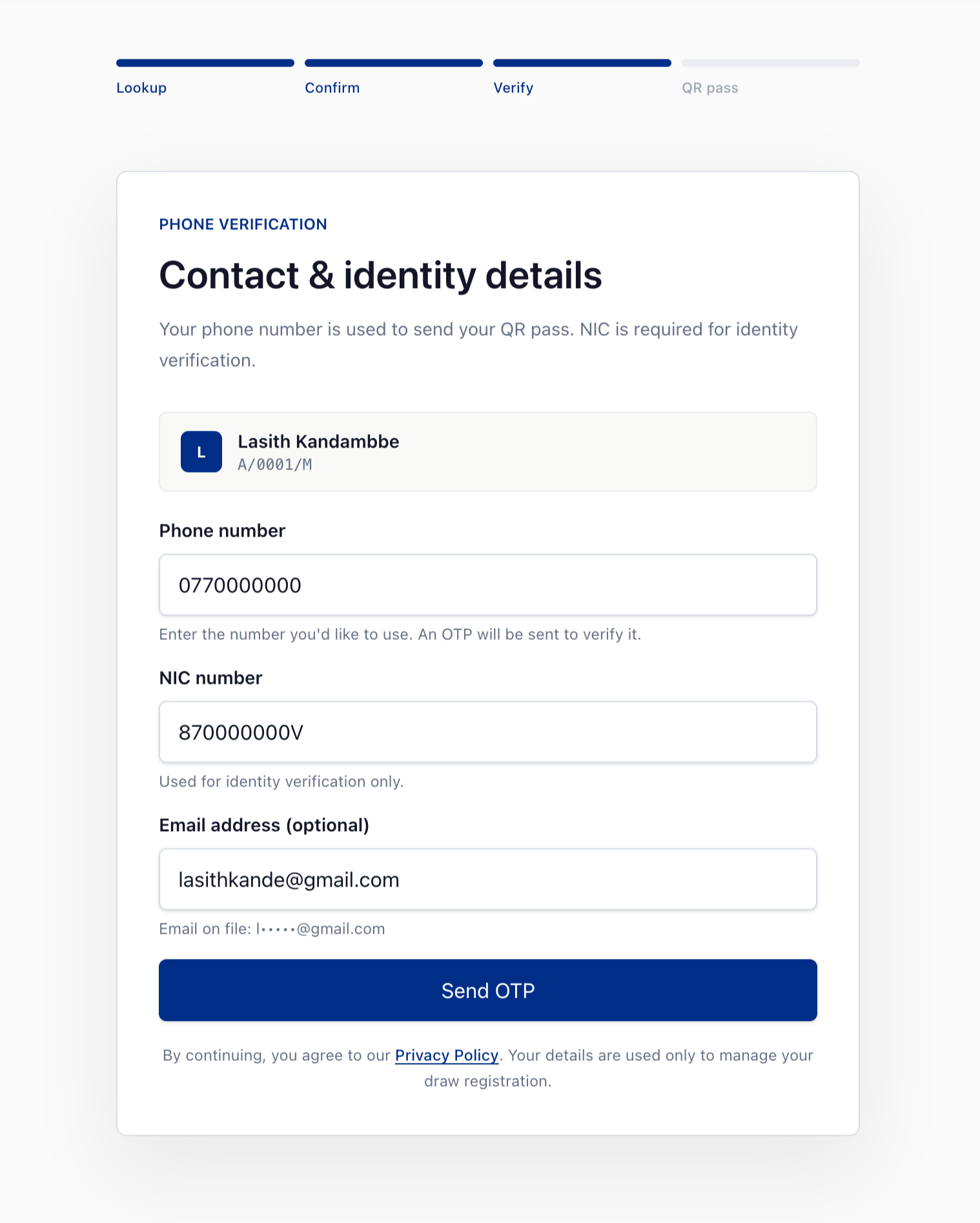
Add your phone, NIC & email
Your mobile number is where your QR pass is sent - and what you'll need at check-in on event day. Your NIC is used for identity only. Email is optional, but recommended for a backup copy of your pass.
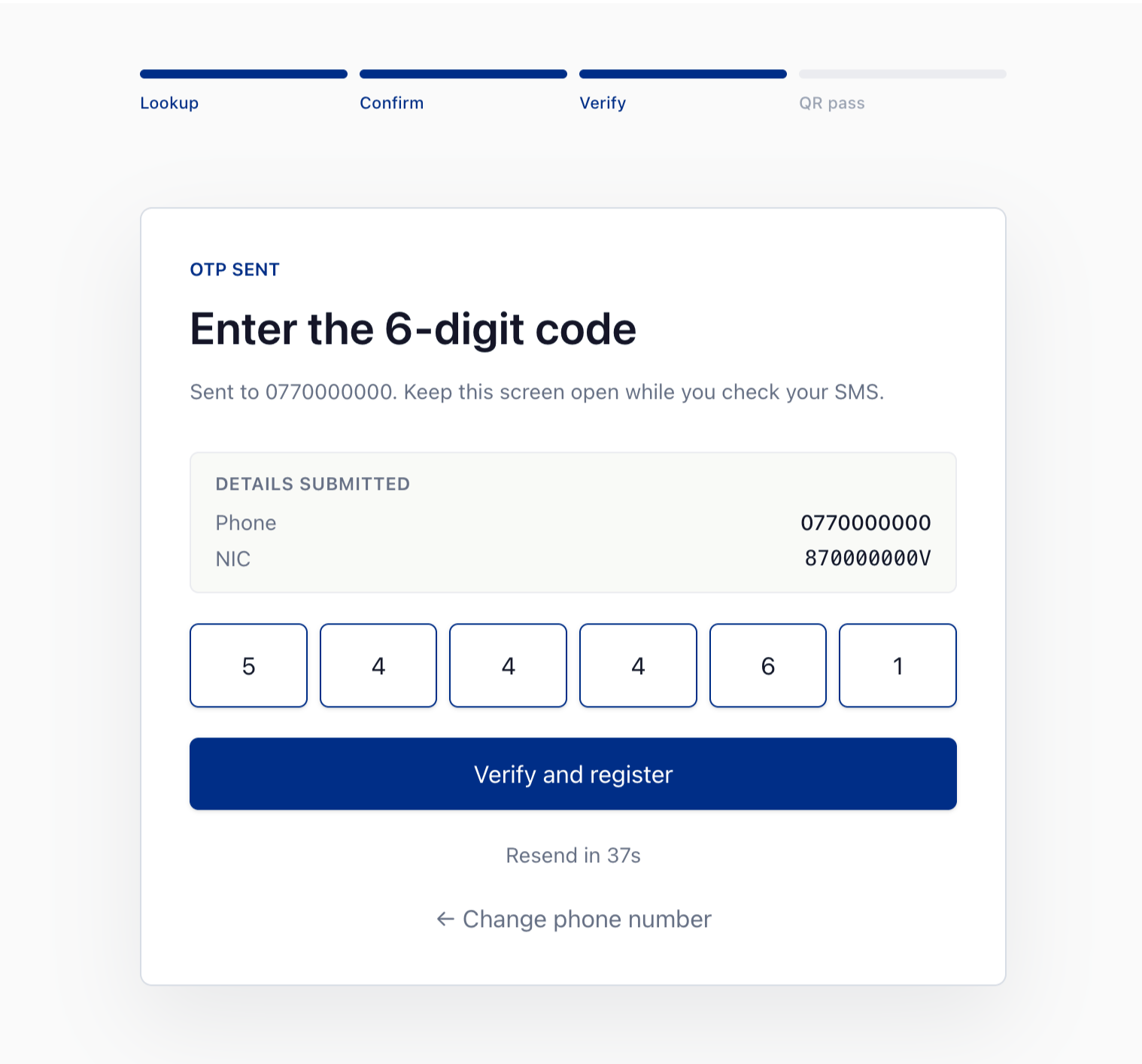
Enter the 6-digit code
We send a one-time code to your mobile. Keep this screen open while you check your SMS, enter the code, then tap Verify. Didn't receive it? Tap Resend after 60 seconds.
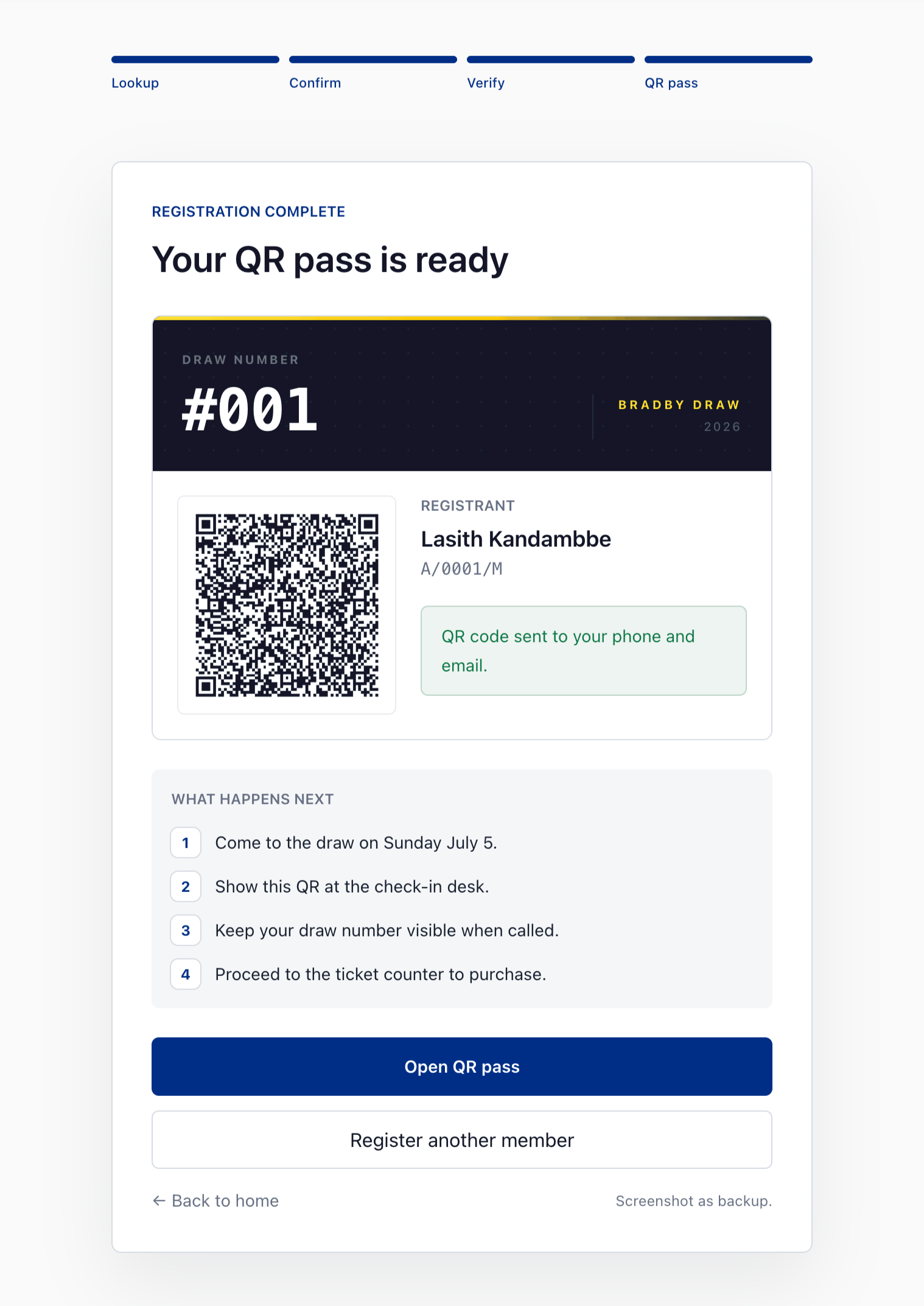
Your QR pass is ready
Your draw number and QR code are issued immediately. Save the link, download the PDF pass, or wait for the SMS we'll send. You'll need to show this QR at check-in on draw day.
Ready to register?
Takes about 2 minutes. Questions? Help & FAQ →